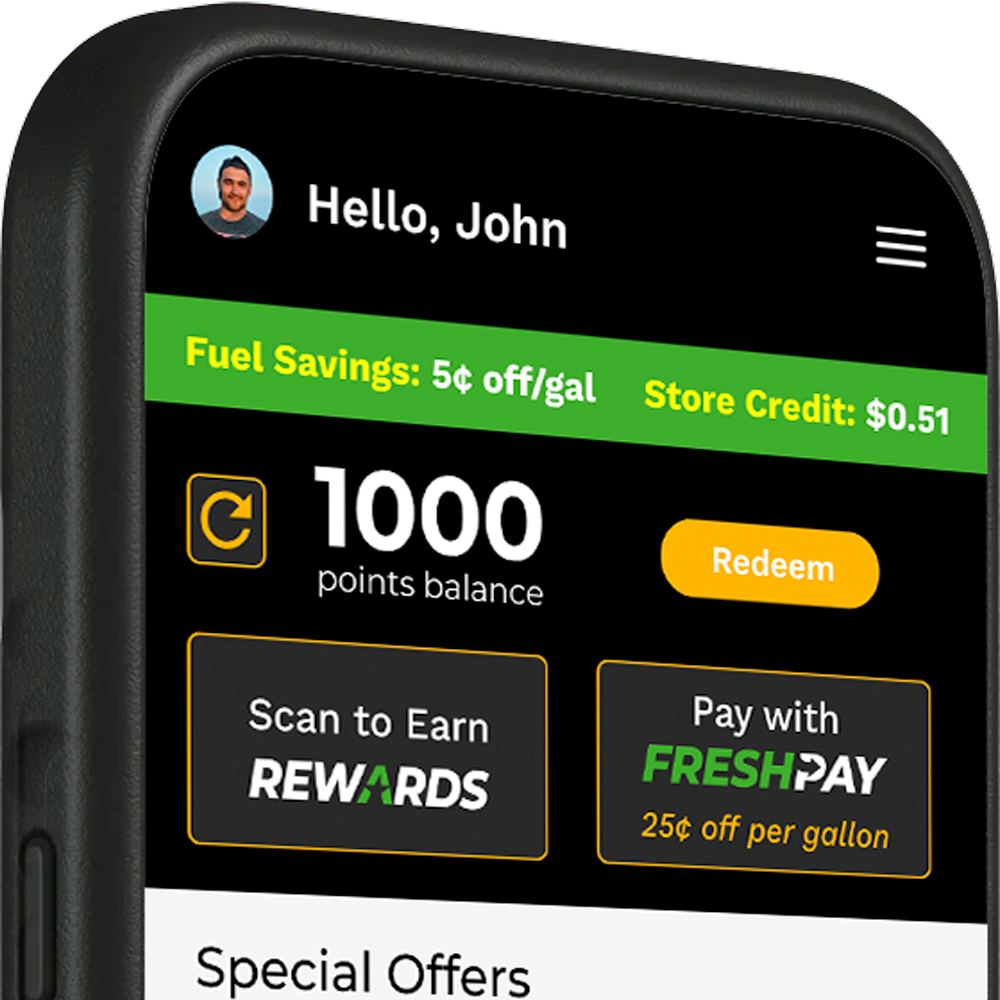
FreshPay: Mobile Payment Made Easy

FRESHPAY is an upgrade to Atlantis Rewards that lets you pay with your phone or your Atlantis Rewards card. Simply link your Atlantis Rewards account to your checking account and start saving today. Plus, earn an extra 10¢ off per gallon when you use FRESHPAY at the pump.
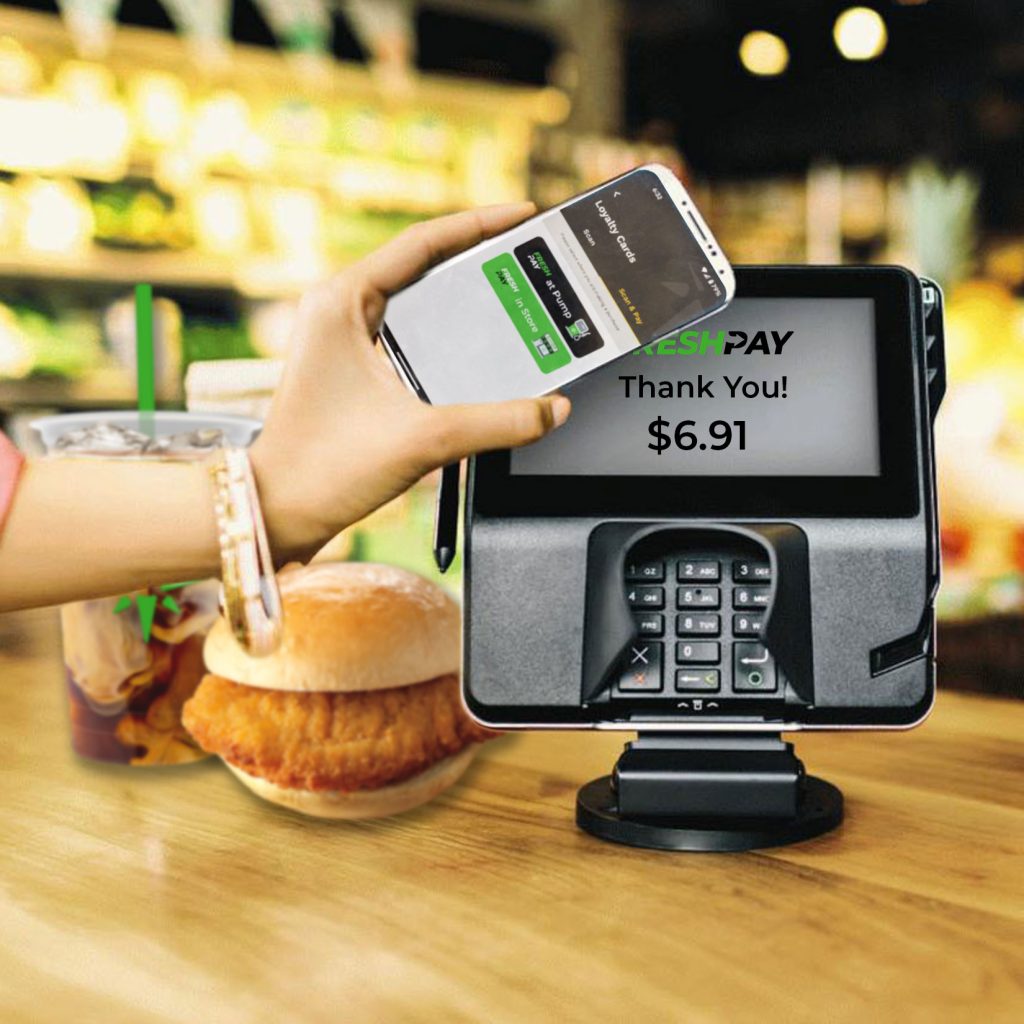
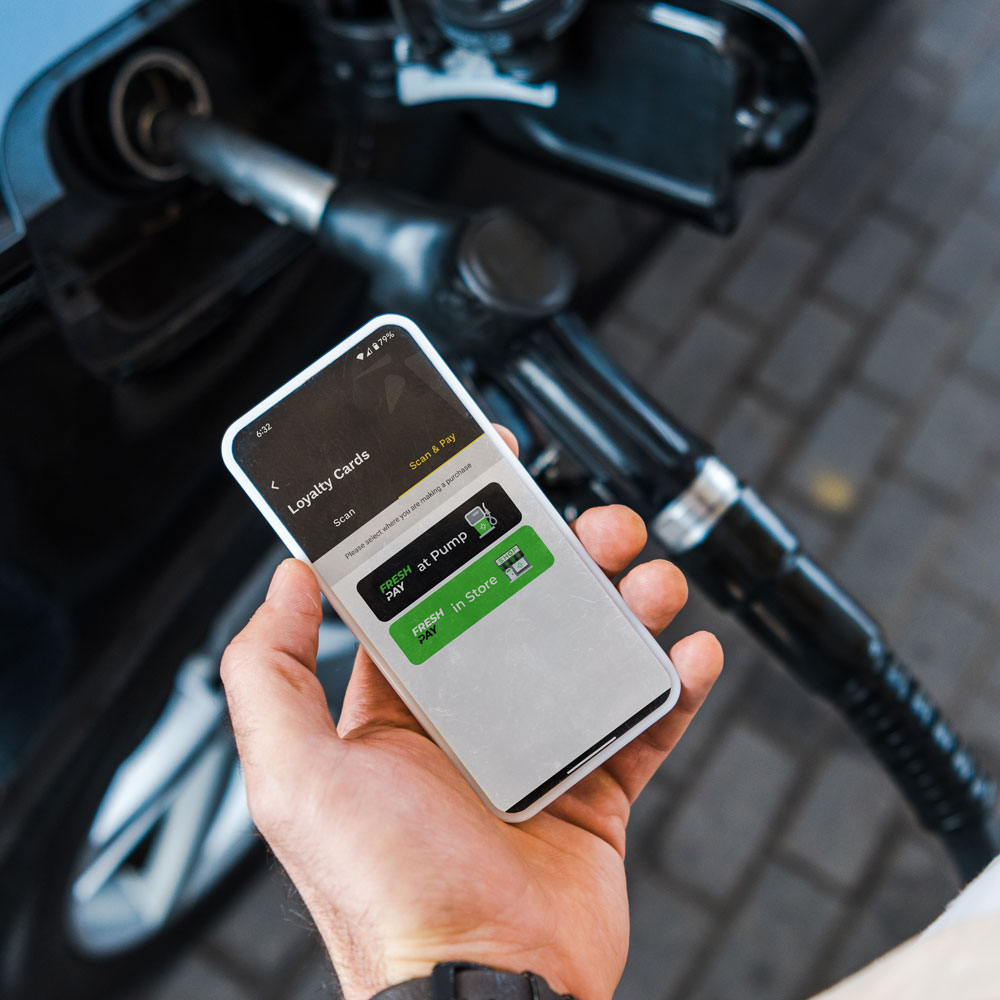
Turn Payments into Perks

Save at the Pump

Skip the swipe—start the pump right from your phone! With FRESHPAY, you’ll save an extra 10¢ per gallon every fuel up.

Automatic Points

Using FRESHPAY with your phone automatically earns you points for every purchase – no extra scans or codes needed.

How to Sign-up for FreshPay Mobile Payment

Download the app

You’ll need the Atlantis Rewards app and the Atlantis Rewards card to sign-up for FreshPay.

Add your FreshPay card

Click on the “Pay with FreshPay” button underneath your points balance on the home screen. Tap on the “Add Card” button and enter the number on the back of the physical card.

Create & Verify your account

Click the button on the top right of the card image for “Enroll”. You’ll be prompted to verify your identity at this stage.

Link your bank account

 You’ll also need to enter your checking account information to link the app to your bank. 

Start using mobile payment

Now you’re ready to use your app or the card to pay at the pump or in-store. Next time you hit the pump you’ll save 15¢ with FreshPay.
Scroll to Top